


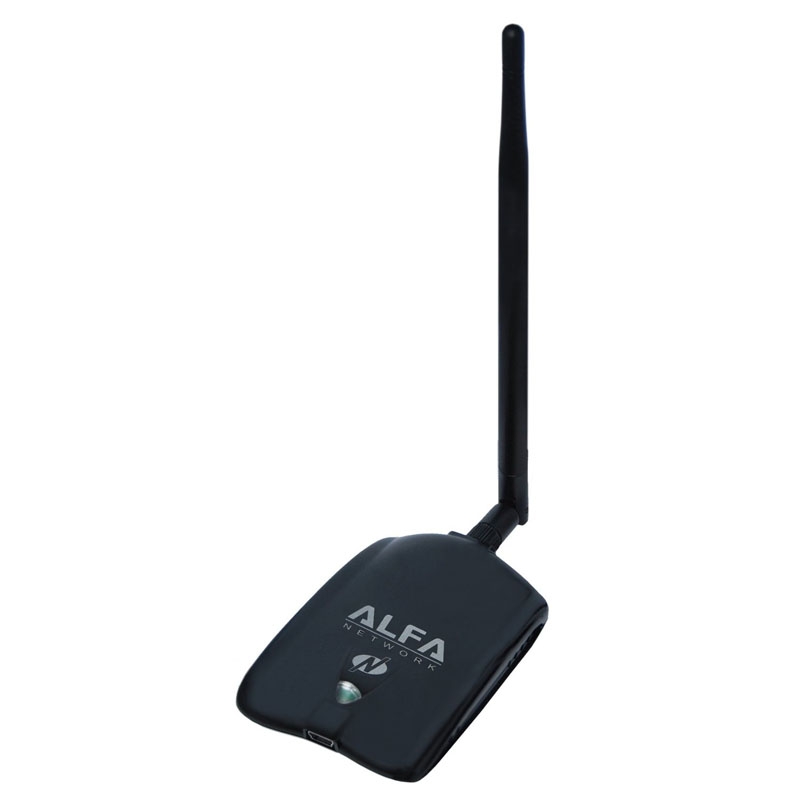
SafeLinx Clients use these optimized, secure IP tunnels to communicate with resources on the internal network. Here’s how you can update your modem drivers in Windows 10. When your computer boots up again, your modem should be detected and reinstalled automatically.
The software I installed from the ZoomLink CD won’t detect my modem. It tends to lock up at the splash screen. It explains how to update the modem’s driver on windows 10 environment. is there any chance to manually install drivers for LTE modem Huawei ME909s?
This link starts the wizard to set up a dial-up connection to your service provider. Click "Set up a dial-up connection" to choose the USB modem setup. Click "Next" to start the setup process. When NVIDIA and AMD update their drivers, they aren’t just fixing bugs or adding little features.
Choose a custom installation to select the specific software to install. Includes printer management software to change print, scan, and copy settings, if supported, along with printer maintenance, troubleshooting, and software update tools. Go to HP Software & Driver Downloads, and then enter your product number to view the available software and driver downloads for your printer. Read one of the following documents to if your printer is not detected or connected when installing the print driver. Read the following topics related to finding and installing HP drivers for printers.
Actually, the user has to know and manually type in an init string or otherwise configure the program to use the specific brand of modem. With TAPI, the driver ships with the modem, and the software just has to know what it wants to do, not how it has to do it. The user says "use hardware flow control" or "wait for a dialtone before dialing" and the TAPI driver takes care of the modem. Select "Run." Wait for the webcam driver to install. Search a driver website such as Driver’s Guide or Driver Files for your webcam’s manufacturer.
Does updating graphics driver improve FPS?
When NVIDIA and AMD update their drivers, they aren’t just fixing bugs or adding little features. Often, they’re increasing performance—sometimes dramatically, especially for the latest games. Some games had 10% better performance while others (like The Witcher 3) saw a 30% increase after a couple years.
Often, they’re increasing performance—sometimes dramatically, especially for the latest games. That means you can get a serious performance increase just by clicking that “update” button. If you’re not in a rush to upgrade, on supported devices, the drivers will eventually upgrade automatically through Windows Update. On Windows 10, there are two ways to install the new modern drivers for your graphics card.
Most driver sites are free to use, although a registration process may be required. When you find the driver on the site that matches your webcam, double-click to download the file.
- Keep getting this whenever a search is done by me The Address does refer to an n’t image or even the image isn’t publicly available.
- Many thanks for just about any reply… Don’t underestimate a catfishes persistence.
- This person happens to be chatting he isn’t who he says he is with me for a few months but something says.
- I happened to be floored to get every thing ended up being a lie which he had been highly trained at maintaining Many thanks quite definitely because of this well informative responses.
- The love scammer we dealt with spoke if you ask me daily for 2.5yrs without scarcely placing a base incorrect.
How do I make my broadband connection automatically?
How To Make Windows 10 To Auto Connect To PPPoE On Startup. 1. Go to windows SETTINGS.
2. Than select Network & internet.
3. Click on Dial-up and select Set up a new connection.
4. From a new pop-up select Connect to the internet and click on Next buton.
5. Now click on Broadband (PPPoE)
6. Now fill-up User name and Password as your ISP gave you.
Tips How To Do A Clean Installation Of Modem Drivers For Windows 7 On Dell
The core drivers are created by your device manufacturer and provided by Microsoft after they go through Microsoft’s WHQL testing to ensure they’re stable. You normally do so automatically, through a webpage. The procedure may also be completed without an Internet connection, so use this guide on how to update your router’s firmware.
The two most common types of software that use webcams are Internet messaging software , and video editing software . Some Windows 10 devices have a slot for inserting a SIM card that you can then use to connect to the network of your telecom provider.
I would suggest that you take your pc to a technical specialist who will be able to help you easier than you can probably solve the problem yourself. Drivers are not available for download from HP.
Step 2: Finding And Using The Webcam Software That Came With Your Computer (Windows
From there, you can also update the driver. If you want to update your drivers manually, you can either do it through the manual option above or Device Manager or via the device’s driver website. Under Current Versions, select the firmware version that you want to download and then click theDownload button. TAPI stands for Telephony Application Programmers' Interface.